Documents That Make Home Automation Projects Smoother
Explore proposals, device schedules, agreements, change orders, handoff guides, and payment records for home automation projects.
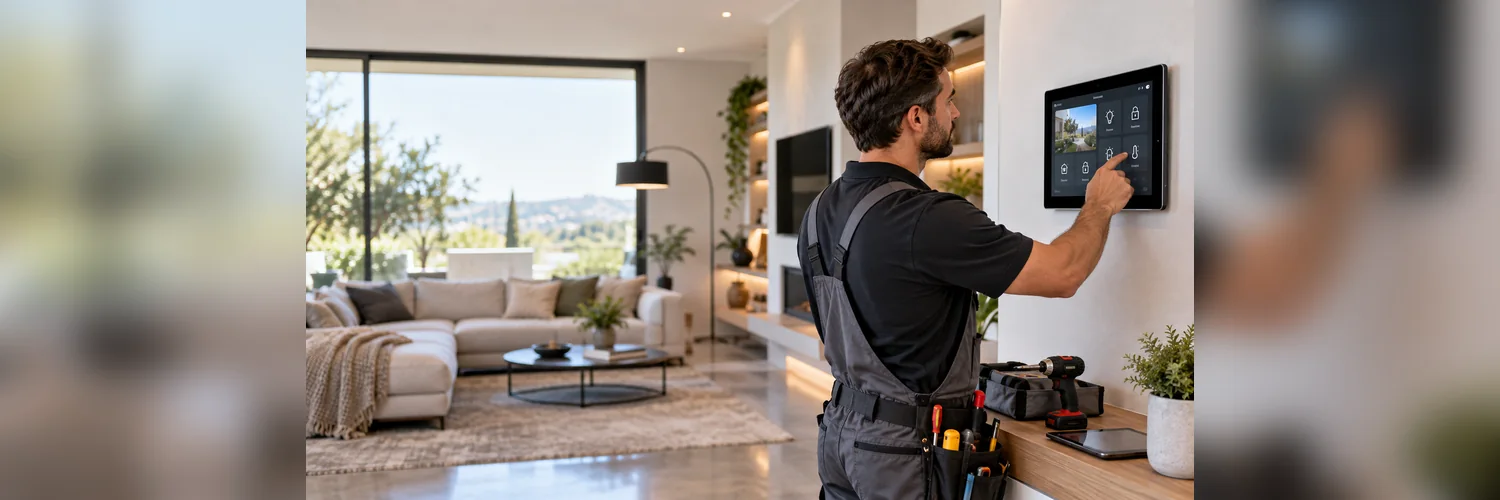
Home automation projects combine technology, wiring, internet access, apps, devices, client preferences, and ongoing support. A customer may begin with a simple request for smart lighting, but the project can grow to include security devices, climate controls, audio, door access, cameras, routines, and whole-home control.
Clear documentation helps the installer define the project before buying equipment or opening walls. It also gives the client a useful reference after installation, when they need to understand how the system is configured.
Define the desired experience, not only the devices
Clients often describe what they want to happen rather than the equipment they want installed: lights that turn on when they arrive, a warmer bedroom in the morning, an entry routine tailored to their preferences, or one control for entertainment. A good consultation translates those goals into a practical project scope.
Record the rooms, devices, routines, users, network requirements, compatibility concerns, and existing equipment. Note any items that depend on internet service, third-party accounts, subscriptions, or future upgrades.
Documents that help automation installers
1. Smart home project proposal
A proposal can show the goals, rooms, devices, installation work, programming, setup, training, support, and price. Separate optional upgrades and identify equipment that the client purchases directly.
2. Device and system schedule
A device schedule lists each proposed component, location, purpose, connection, account requirement, and status. It helps the installer organize ordering and gives the client a clear picture of what is included.
3. Installation agreement
The agreement should address access, network readiness, client-supplied equipment, scheduling, change approvals, payment, subscriptions, warranty or support, and what happens if a device is incompatible or unavailable.
4. Change order
Automation projects can change when a client adds a room, selects a different device, requests another routine, or discovers that existing wiring is unsuitable. Record the change, price, equipment impact, and schedule before proceeding.
5. Handoff and training guide
At completion, provide a short guide identifying devices, controls, routines, user accounts, troubleshooting steps, reset information, and support contact. The guide can be customized for the household rather than copied from a manufacturer manual.
6. Invoice and support renewal notice
Invoices should separate hardware, installation, programming, training, travel, and support. If you offer ongoing maintenance or monitoring, make renewal dates and fees easy to understand.
Set expectations about technology
Smart home systems depend on a combination of devices, software, networks, power, and third-party services. Your documents should explain those dependencies in straightforward language. A customer should know what may happen if the internet is unavailable, an account changes, a manufacturer stops supporting a device, or a subscription ends.
Do not promise compatibility until it has been confirmed. If a site visit or network review is needed before final pricing, state that in the proposal.
Make the handoff part of the installation
Plan time for training and record which users were shown the main controls. A written handoff gives the household a reference for using the system and may help answer common questions after the visit.
Keep the project file organized with the proposal, device schedule, approvals, configuration notes, photographs, invoice, and handoff guide. That record can provide useful context if the customer requests an upgrade later.
Build trust through clarity
Home automation installers are often asked to make complicated technology feel simple. Professional documentation supports clear communication. A proposal, device schedule, agreement, change order, handoff guide, and invoice help the client review decisions and give the installer a record of the agreed work.
Document the system for future changes
Smart homes evolve. A client may add a room, replace a router, change a phone, sell the property, or ask another technician to work on the system. A concise system record can identify the installed devices, room locations, important account information, routines, and support arrangements without exposing passwords in an unsafe way.
Ask the client where they want the handoff materials kept and explain which information should be updated after a change. Keeping those details together can make the system information easier to find during future service visits.
The Home Automation Installer Starter Kit brings together profession-specific service agreements, work orders, change orders, subcontractor records, material takeoffs, site intake, work authorization, materials approval, site safety and access checklists, daily work logs, completion handover, incident reports, service estimates, and client invoices. Review the available documents and adapt them to your services, qualifications, project scope, and local requirements.